
Ueetop 175W GaN Charger Review
- Introduction
- Are you looking for an honest Ueetop 175W GaN Charger Review? We all struggle with messy cables, but finding a powerful charging hub usually costs a fortune. This is where the Ueetop 6-port station comes in—a cheap 175W charger from AliExpress priced at just $24 with a cool LED display. It promises to be the best desk organizer charger for your laptop and phone, but is it actually safe to use? In this transparent guide, we test its real power output, heating levels, and build quality to help you decide if it’s a budget gem or a risky purchase. 🔌

- Product Real Use-Case
- This device is designed to be the ultimate solution for desk clutter. Instead of using six different adapters plugged into a wall strip, you place this single station on your desk. It is perfect for charging a laptop via USB-C while simultaneously powering low-wattage accessories like a smartwatch, wireless earbuds, a tablet, and a phone. It is also an excellent travel companion for families who need to charge 6 devices at once in a hotel room with limited outlets. 💻📱
What is this Product?
Ueetop 175W GaN Charger Review
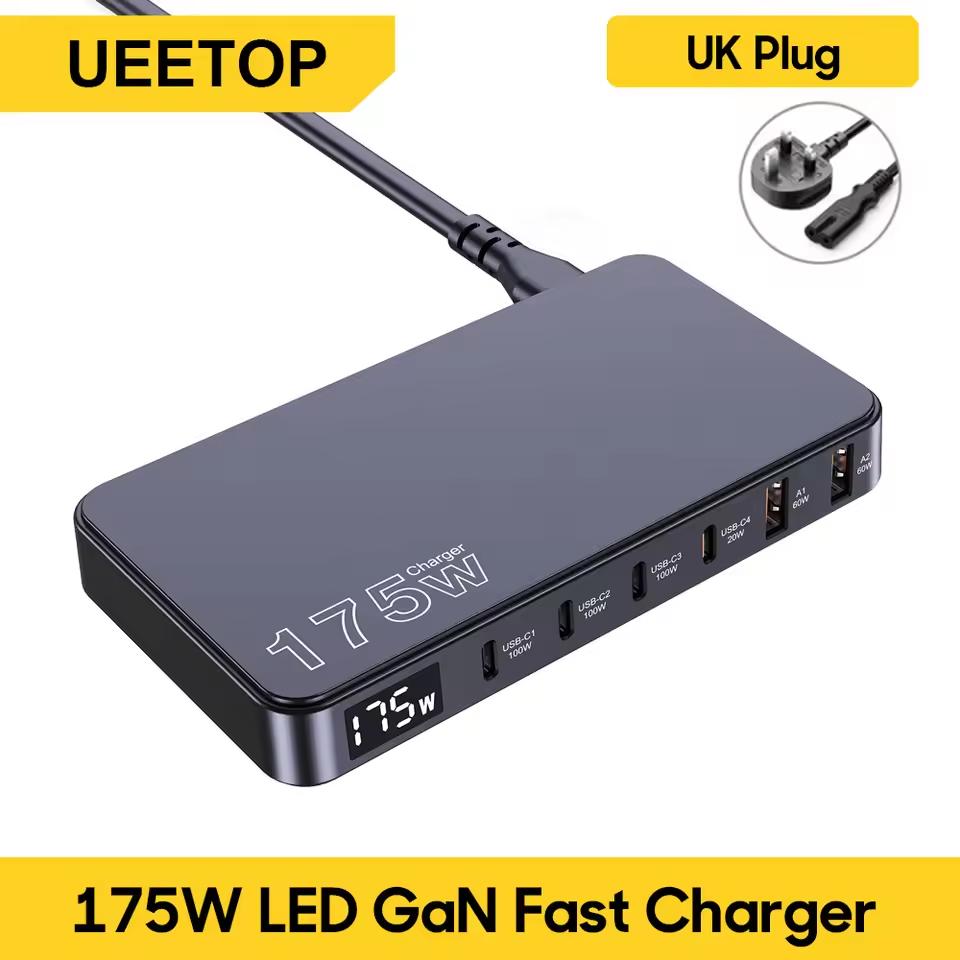
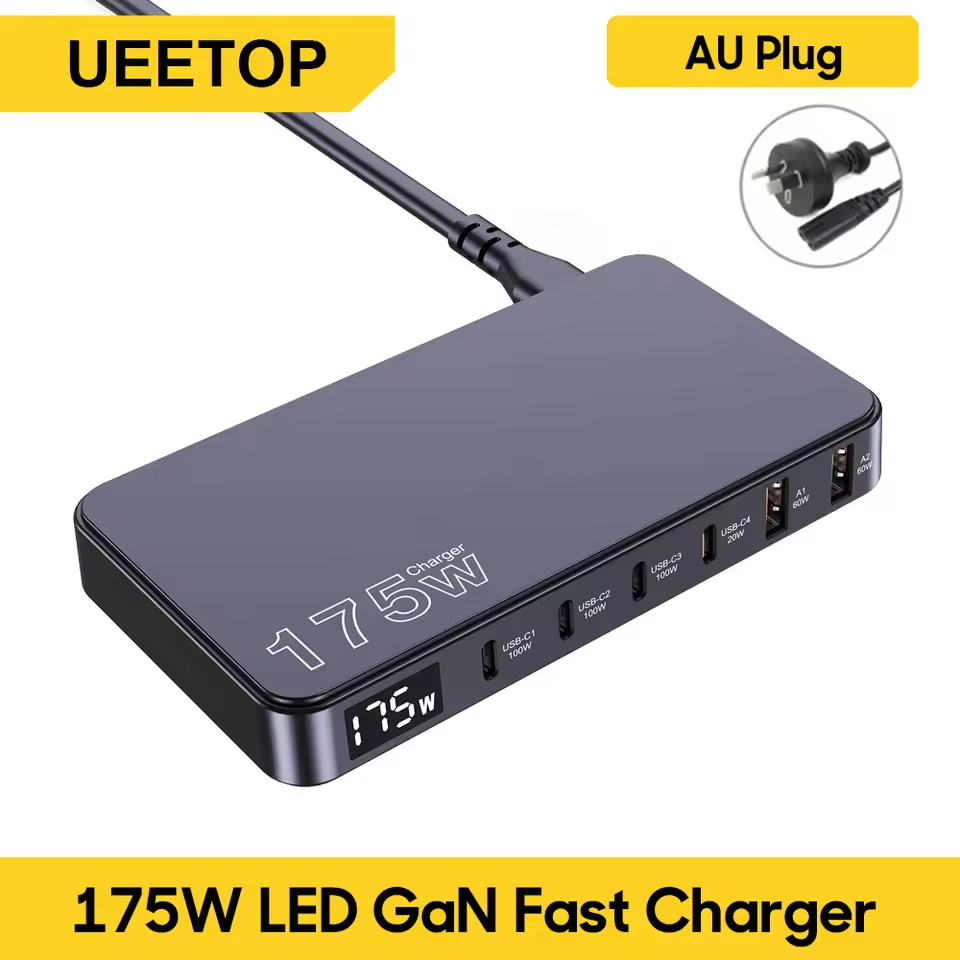
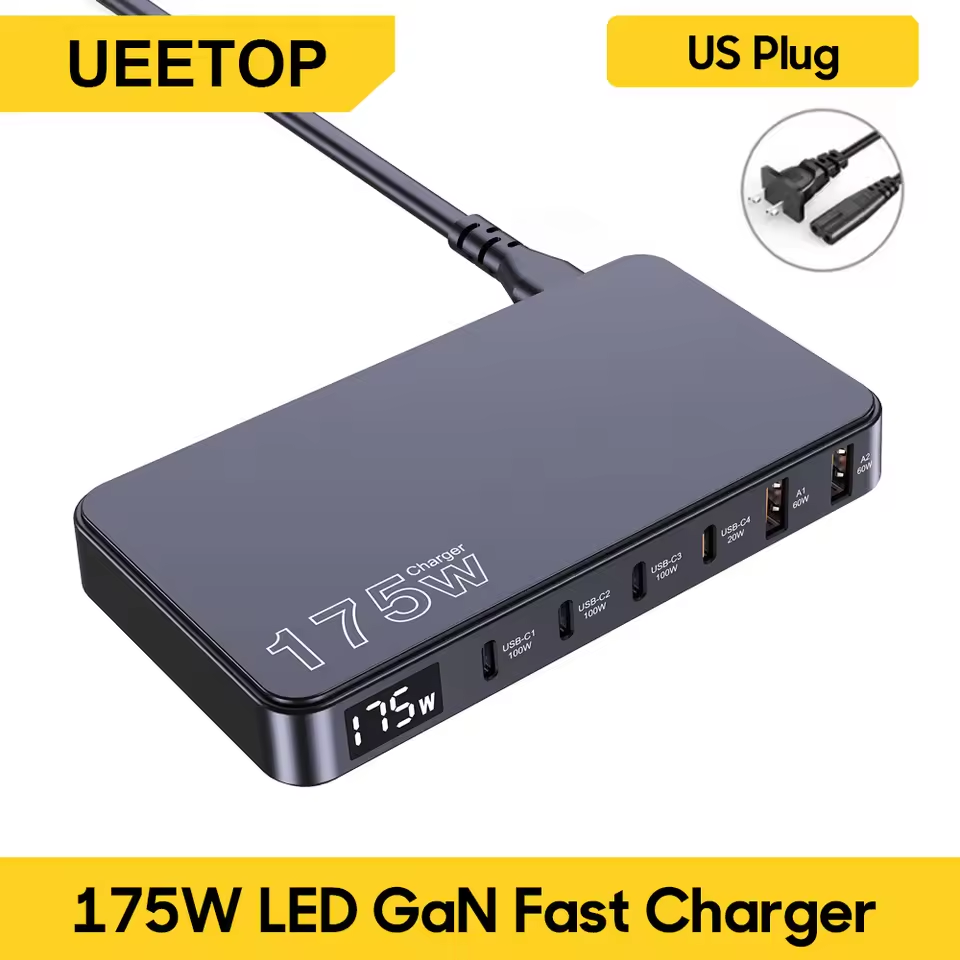
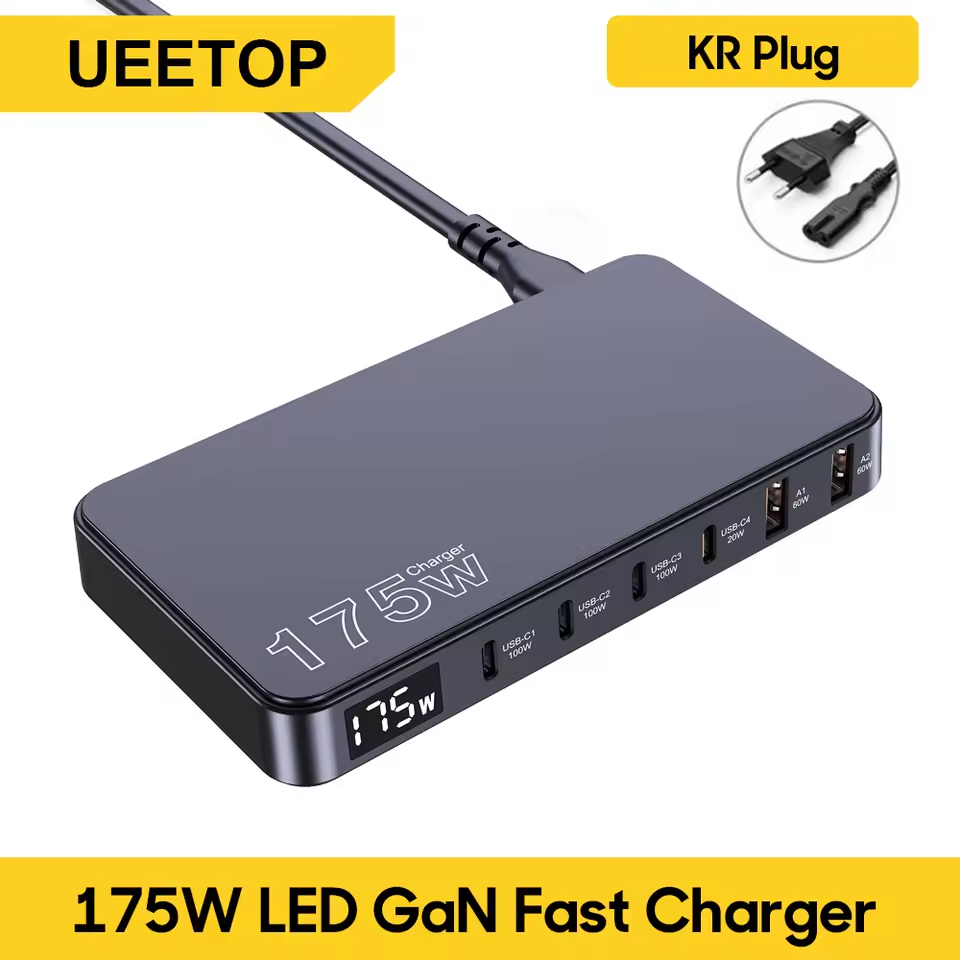
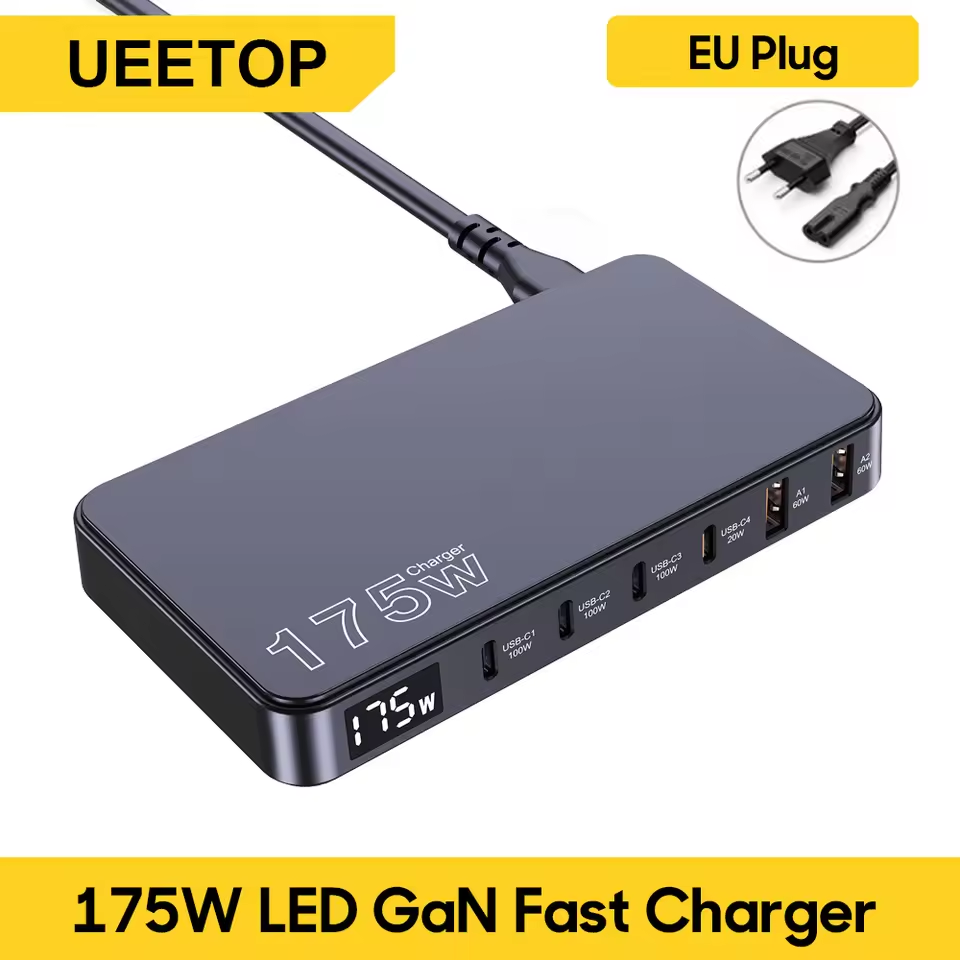
- The Ueetop 175W is a multi-port desktop charging station powered by GaN (Gallium Nitride) technology. Unlike a wall charger that hangs off the socket, this comes with an extension cord, allowing the hub to sit on your table. Its standout feature is the built-in LED display, which shows the real-time wattage output, letting you see exactly how fast your devices are charging.
Key Features
- Ueetop 175W GaN Charger Review
- ✅ 6-Port Design: Features 4 USB-C ports and 2 USB-A ports to handle multiple gadgets.
- ✅ Digital LED Display: A screen that shows the total power output in real-time.
- ✅ High Compatibility: Supports Power Delivery (PD) and PPS protocols for fast charging Samsung and Apple devices.
- ✅ Compact and Thin: The flat design makes it easy to slip into a laptop bag or pocket.
- ✅ Smart Power Distribution: Intelligently adjusts power to each port based on what is plugged in.


Real Pros & Cons
- Transparency is essential for a helpful review. Here is the honest truth about this budget charger:
| Pros | Cons |
| ✅ The price is incredible for a 175W rated device; premium brands cost three times as much. | ❌ The 175W claim is the total combined output of all ports, not a single port (Max single port is usually 100W). |
| ✅ The LED display is accurate and very satisfying for checking charging speeds. | ❌ When you plug in a new device, the charger briefly cuts power to other ports to reset the voltage (this is normal but annoying). |
| ✅ It effectively cleans up messy cables on your desk | ❌ It can get quite warm if you charge a laptop and a phone at full speed for a long time. |
| ✅ It supports Super Fast Charging for Samsung phones (PPS support) | ❌ The build quality feels light and plastic compared to Anker or Ugreen |
Who Should Buy / Who Should Not
- Ueetop 175W GaN Charger Review
- Who should buy this: 👍
- ✅ Students or budget-conscious users who need a cheap 175W charger for daily use.
- ✅ People with many small accessories (watches, headphones) that need USB-A and USB-C ports.
- ✅ Tech enthusiasts who love seeing the charging wattage on the screen.
- Who should NOT buy this: 👎
- ✅ Professionals who need to power two high-performance laptops at maximum speed simultaneously.
- ✅ Users who are extremely paranoid about device safety (stick to certified brands like Anker).
- ✅ Anyone expecting premium heavy-duty build quality at this price point.
Helpful Buying Guide
- Ueetop 175W GaN Charger Review
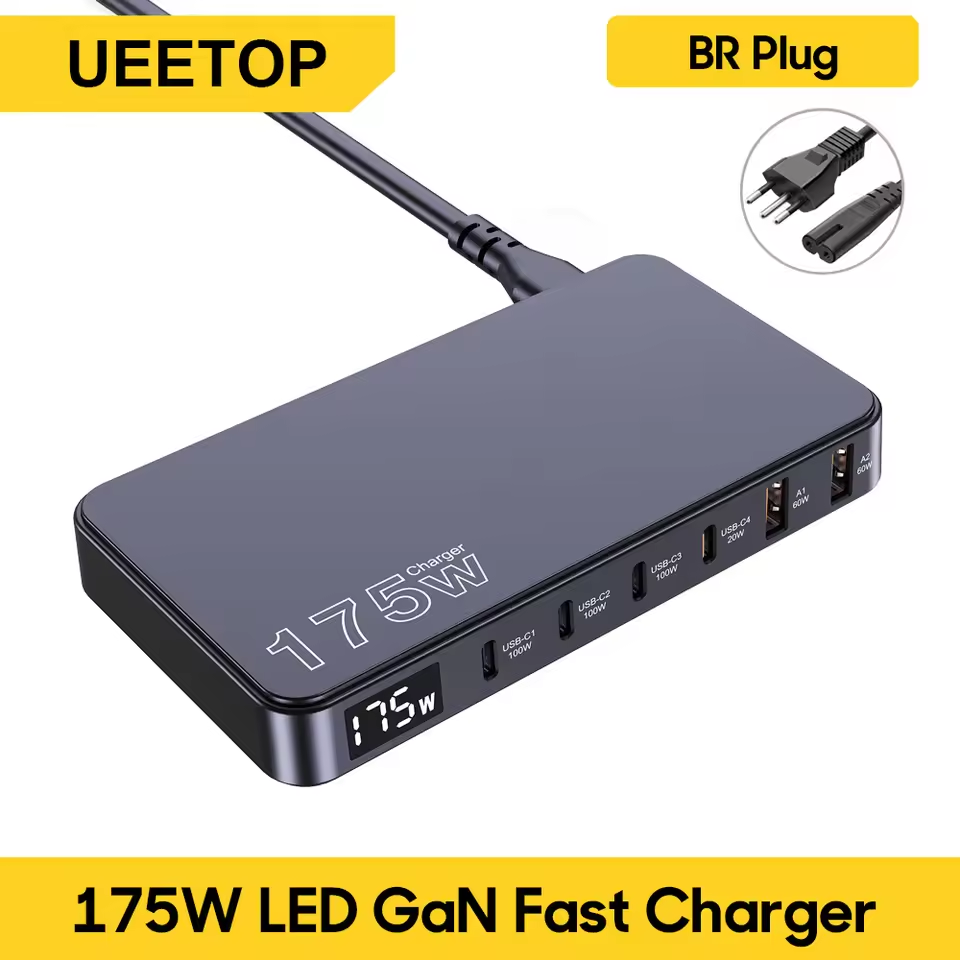
- When buying this charger from an AliExpress haul, make sure to select the correct plug type (US, EU, UK) for your country. Also, remember that to get the best speed, you must use a 100W rated USB-C cable. If you use a cheap, thin cable, the LED display will show low numbers because the cable cannot handle the power. Be aware that if you fill all 6 ports, the charging speed for your main laptop will drop to ensure the other devices get power. 🛒
Price Information
- The Ueetop 175W GaN 6-Port Desktop Charger is currently priced around $24.39 on AliExpress. This is a Welcome Deal price, so it might fluctuate slightly depending on sales. 💰.
- Conclusion.The Ueetop 175W charger is a surprising value proposition. While it may not have the premium weight of a $100 charger, it delivers on its promise of charging multiple devices at once with a cool display feature. As long as you understand that the power is shared across ports, it is arguably the best budget desk organizer charger you can buy right now. 🏆
Recommended For You 🔗
Baseus Bowie E19 Review: Shocking Bass and 33-Hour Battery for Under $20?
Baseus GaN3 Pro 100W Review: Is This the Best Desktop Charger of 2026?
AOHI 65W GaN Charger Review: Best Budget Fast Charger for Laptop & Phone?
Kensen S26 Electric Shaver Review: The Best Portable Shaver for Travel? 🪒
👉 Multifunctional Emergency Hand Crank Solar Radio Review: Is This $18 Survival Gadget Worth It? 👇👇

Frequently Asked Questions (FAQs)
- Is the Ueetop 175W charger safe for expensive laptops?
- Yes, it is generally safe. It uses GaN technology which manages heat better than older chargers. However, since it is a budget device, we recommend unplugging it when not in use and not leaving it unattended for days, just to be safe.
- Does it support Samsung Super Fast Charging?
- Yes, the USB-C ports support PPS (Programmable Power Supply) protocol. This means it can trigger “Super Fast Charging” on Samsung Galaxy S23, S24, and Note series phones.
- Why does the charging stop for a second when I plug in a new device?
- This is normal behavior for most GaN chargers. The device briefly cuts power to “re-calculate” and redistribute the correct wattage to each port to prevent overloading. It will resume charging automatically after 1-2 seconds.
- Is the LED display accurate?
- The display is fairly accurate for general reference, usually within a 5% margin of error compared to professional testing tools. It is great for seeing if your device is fast charging or just charging slowly.
- Can it actually output 175W?
- The “175W” is thetotal combined output of all ports used together. You cannot get 175W from a single port. The maximum output from the first USB-C port is usually 100W, which is enough for a MacBook Pro.