
Xiaomi 360 Smart Camera 2K Review
- Introduction
- Are you looking for an honest Xiaomi 360° Smart Camera 2K Review? This **best budget security camera offers 360° rotation, AI detection, and crisp 2K video quality for under $50. But can a cheap camera really be trusted with your home? In this transparent guide, we test its night vision and provide a simple guide on the complex setup for the Chinese Version. Our goal is to help you decide if this Xiaomi PTZ camera is the best value-for-money security solution for your needs. 🛡️

- Product Real Use-Case
- This camera is primarily used for indoor home security, baby monitoring, and pet tracking. Its 360° rotation is perfect for covering an entire room from a single corner, eliminating blind spots. The AI human detection camera feature makes it useful because it only sends alerts when it sees a person, not a shadow or a pet, saving you from constant false notifications. It is a vital tool for quick, visual checks on your home while you are away. 👶
What is this Product?
- Xiaomi 360 Smart Camera 2K Review
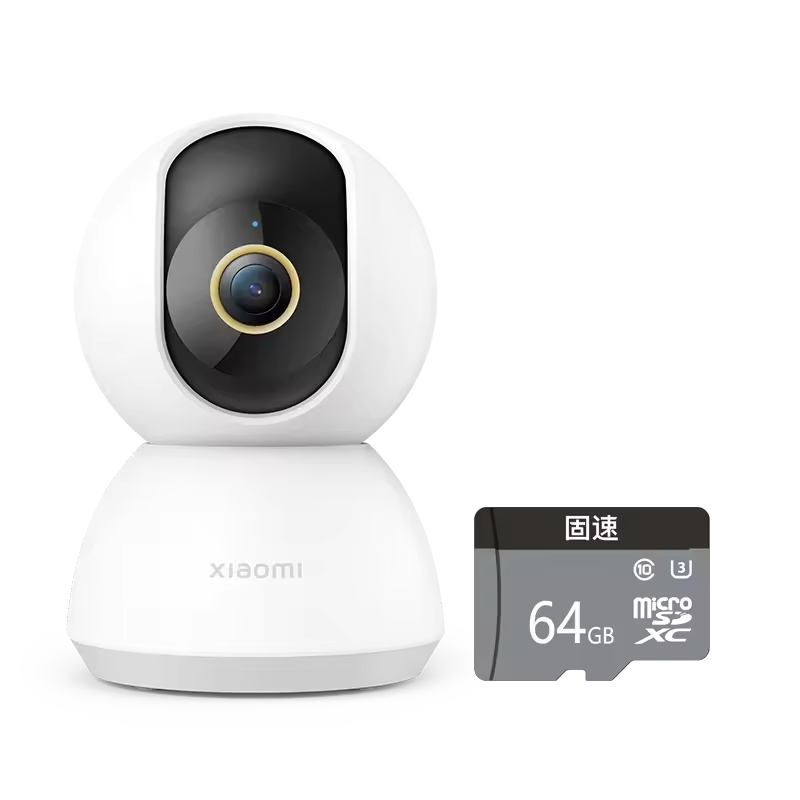
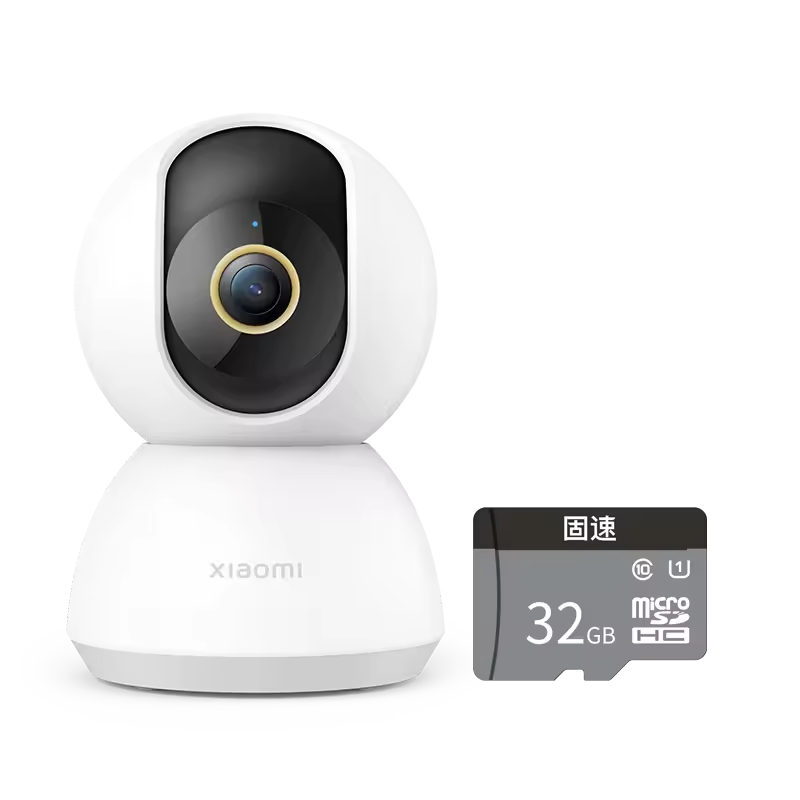
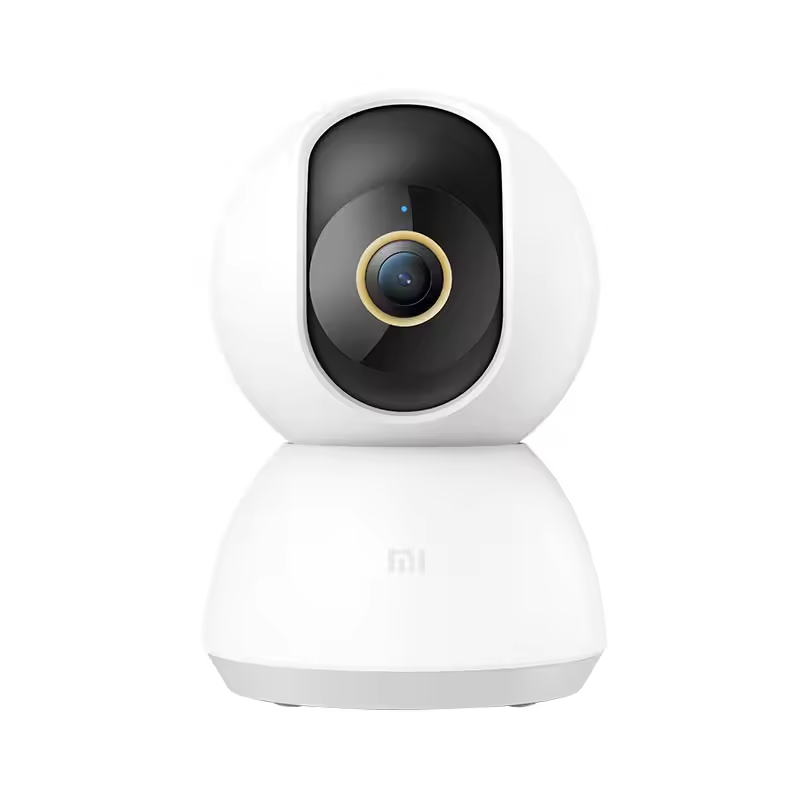
- The Xiaomi 360° Smart Camera 2K is a plug-and-play indoor security camera. The 2K refers to its 1296p (3MP) resolution, which is much clearer than standard 1080p cameras. The PTZ stands for Pan, Tilt, and Zoom, meaning you can remotely control its lens to look anywhere in the room using the Mi Home app on your smartphone. It uses a Wi-Fi connection and requires a MicroSD card or cloud subscription for recording video footage.
Key Features
- ✅ 2K (1296P) High Definition Video: Captures much clearer and sharper details than a basic 1080p security camera.
- ✅ 360° Panoramic View (PTZ): The lens can rotate horizontally and vertically to cover the entire room.
- ✅ AI Human Detection: Intelligent software detects human shapes and only sends alerts for relevant events.
- ✅ Enhanced Night Vision: Uses invisible infrared lights to provide clear video footage even in total darkness.
- ✅ Two-Way Audio: Built-in microphone and speaker allow you to talk to people or pets through the camera.
- ✅ MicroSD Card Storage: Supports local storage so you do not have to pay for a cloud subscription.


Real Pros & Cons
- Transparency is essential for a helpful review. Here is the honest truth about the Xiaomi 360° Smart Camera 2K:
| Pros | Cons |
| ✅ Excellent Value: Offers 2K resolution and PTZ features for a price much lower than competitors. | ❌ Chinese Version Issue: The version sold cheaply on AliExpress often requires you to set your Mi Home app region to “China Mainland,” which can cause language issues or problems with other global Xiaomi devices. |
| ✅ Great Clarity: The night vision performance is superb, providing clear black-and-white video. | ❌ Requires Constant Power: It is not battery-powered and must be plugged into an outlet at all times. |
| ✅ Reliable AI Detection: The human detection is very accurate and successfully minimizes false alarms. | ❌ Lag in Rotation: There is a noticeable delay (1-2 seconds) when trying to rotate the camera remotely. |
| ✅ Works with Mi Home: Integrates perfectly with other Xiaomi Smart Home devices. | ❌ Cloud is Costly: The free trial for cloud storage ends quickly, and the subscription service can be expensive. |
How to Use the Xiaomi 360° Smart Camera 2K (Setup Guide)
- Xiaomi 360 Smart Camera 2K Review
- The setup process is simple, but the “region setting” is the most important step for the Chinese version:
- 1. Power On: Plug the camera into the wall using the included USB adapter. Wait for the orange light to start flashing.
- 2. Download App: Download and open the “Mi Home” app on your smartphone.
- 3. Set Region (Crucial Step): Go to your Mi Home app settings and make sure your region is set to “China Mainland.” The camera will not connect if you set the region to your country (like UAE or US).
- 4. Add Device: In the Mi Home app, press the “Add Device” (plus sign) and select the “Xiaomi Smart Camera 2K.” Follow the on-screen instructions to connect it to your home Wi-Fi.
- 5. Reset if Failed: If the connection fails, use a small pin to press and hold the reset button on the camera for 5 seconds until the camera announces that it is ready for pairing.
Frequently Asked Questions (FAQs)
- Xiaomi 360 Smart Camera 2K Review
- Can I use the Xiaomi Camera without Wi-Fi?
- No, a Wi-Fi connection is necessary for the camera to stream live video, send alerts, and for you to control the rotation.
- How does the 360° rotation work?
- You control the camera’s Pan and Tilt by swiping your finger across the live video feed inside the Mi Home app.
- Does it use a lot of data?
- When constantly streaming, it uses a lot of data. However, in standby mode, it uses very little. Recording to a MicroSD card saves internet bandwidth.
Who Should Buy / Who Should Not
- Who should buy this: 👍
- ✅ People looking for a budget-friendly baby monitor or nanny cam with clear night vision.
- ✅ Users who already own other Xiaomi Smart Home products and use the Mi Home app.
- ✅ Anyone who needs to cover a large, single room from one corner.
- Who should NOT buy this:👎
- ✅ Users who want a simple, 100% plug-and-play device that works instantly on a global server.
- ✅ People who need a fully wireless (battery-powered) outdoor security camera.
- ✅ Users who want a camera with no motion delay during remote control.

Price Information
- Xiaomi 360 Smart Camera 2K Review
- The Xiaomi 360° Smart Home Security Camera 2K (PTZ) is currently priced around $44.63 on AliExpress. Look for a version that includes a high-quality MicroSD card in the bundle. 💰
- Conclusion
- The Xiaomi 360° Smart Camera 2K is arguably the best budget security camera for indoor use on the market. Despite the minor hassle of setting the region to “China Mainland” for connection, the excellent 2K clarity, superb night vision, and reliable AI detection for under $50 make it an unbeatable choice for any home security setup. 🏆
Recommended For You 🔗
4K Digital Camera Review: Is This $50 Vlogging Camera Better Than a Smartphone?
Kensen S26 Electric Shaver Review: The Best Portable Shaver for Travel? 🪒
AOHI 65W GaN Charger Review: Best Budget Fast Charger for Laptop & Phone?
IMILAB EC4 Review 2025: Solar Wireless Security Camera👇
