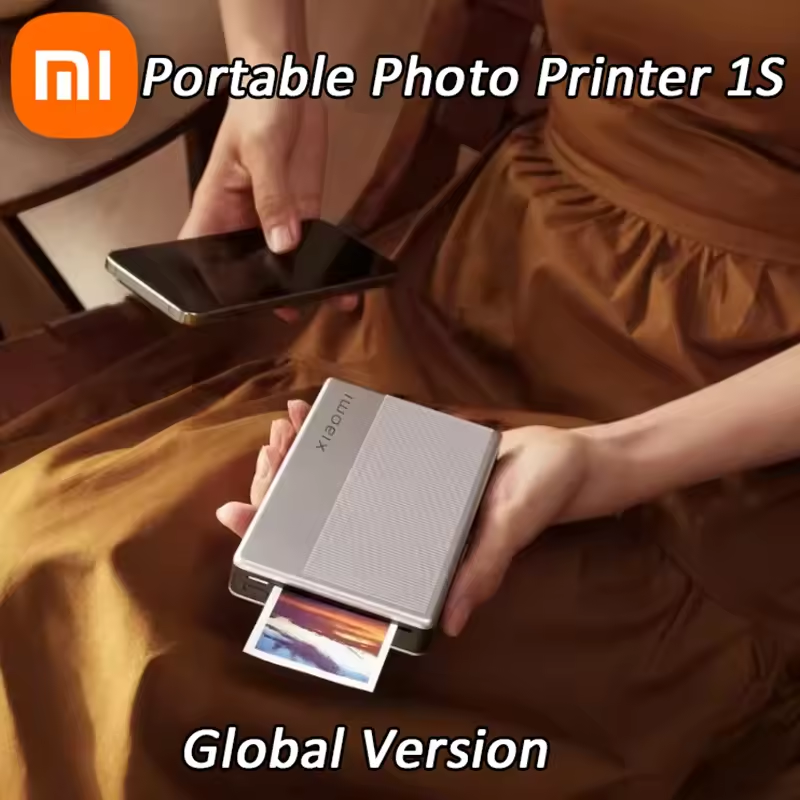
Xiaomi photo printer full detail
- Introduction 📸
- The Xiaomi photo printer has been getting a lot of attention lately — and for good reason. This tiny device, officially called the Mi portable photo printer, lets you print real photos directly from your phone in under a minute, without any ink cartridges. If you have been searching for a reliable xiaomi mini printer that is small enough to carry in your pocket but powerful enough to print decent-quality photos, this review is exactly what you need.
- In this complete xiaomi mi portable photo printer review, we cover everything — from real performance and print quality to price, paper cost, model comparison, and honest pros and cons. We also compare it against the popular Fujifilm Instax Mini Link 3 smartphone printer and the Canon compact photo printer SELPHY so you can make a smart buying decision. No sponsored opinions, no hype — just facts.

What Is the Xiaomi Photo Printer? 🖨️
- The Xiaomi printer we are talking about here is a pocket photo printer that uses ZINK (Zero Ink) technology. ZINK stands for Zero Ink — meaning there are no cartridges, no ribbons, and no mess. The color is built directly into the xiaomi mi portable photo printer paper, which activates when heat is applied during printing
- The result is a 2×3 inch self-adhesive photo that peels off and sticks anywhere — on notebooks, walls, mirrors, and phone cases. The xiaomi portable mini printer connects wirelessly to your phone via Bluetooth and works through the official Mi Home app. It weighs only 181 grams — literally the size of a power bank — making it one of the most compact pocket printers on the market.
- This is not your standard home office laser printer. The xiaomi mi photo printer is built for lifestyle use — for people who love journaling, scrapbooking, travel memories, and creative decoration.
Xiaomi Portable Photo Printer Models — Which One Should You Buy? 📦
Before buying, it is important to know that there are three versions of this xiaomi portable photo printer available:
- Original Mi Pocket Photo PrinterThis is the first version. It prints at 300 dpi using ZINK technology. Color accuracy received mixed reviews — some users reported washed-out tones. Currently available on AliExpress for around $94.69. This is the base model and a decent starting point if you are new to pocket printing.
- Xiaomi Portable Photo Printer 1SThe xiaomi portable photo printer 1s is a significant upgrade from the original. It improved color accuracy, added better app integration, and reduced color inconsistency issues that the original had. The xiaomi portable photo printer 1s price is slightly higher but worth it for the improved output. Many users in xiaomi mi portable photo printer reviews specifically recommend the 1S over the original.
- Xiaomi Portable Photo Printer ProThe xiaomi portable photo printer pro is the premium version that switches from ZINK to dye-sublimation technology. It prints at 313 dpi, supports 16.7 million colors, and produces noticeably more vivid and accurate photos. It is priced at around $119.99 (approximately £119.99 in the UK). If print quality is your top priority, the Pro model is the better investment.
Key Features of the Xiaomi Mi Portable Photo Printer ⚙️
- ✅ Print size: 2 × 3 inches (50 mm × 76 mm)
- ☑️ Resolution: 300 dpi (approx. 313 dpi on Pro / 1S model)
- ☑️ Technology: ZINK inkless printing — no ink, no cartridges
- ☑️ Connectivity: Bluetooth — compatible with iOS and Android
- ☑️ App: Mi Home app — supports filters, collages, AR video, and text overlay
- ☑️ Battery: 500 mAh built-in rechargeable battery
- ☑️ Approx. print speed: 45 seconds per photo
- ☑️ Paper tray capacity: Up to 10 sheets
- ☑️ Paper type: Xiaomi ZINK self-adhesive photo paper (2 × 3 inch)
- ☑️ Supported formats: JPEG, PNG
- ☑️ Weight: 181 grams
- ☑️ AR feature: Scan the printed photo with the app to play a short video overlay
- ☑️ Price (AliExpress approx.): $94.69


Real Pros and Cons — No Sugar Coating ✅❌
| ✅ Pros | ❌ Cons |
| ☑️ Completely inkless — Xiaomi ZINK photo paper replaces cartridges entirely, saving long-term cost on consumables | ☑️ Print quality is decent, not professional — Colors may look slightly dull compared to the phone screen |
| ☑️ Self-adhesive backing — Every print can be peeled and stuck anywhere instantly | ☑️ Very small print size — 2 × 3 inch photos are not ideal for large displays |
| ☑️ Ultra-portable — Very compact and lightweight (only 181 grams), fits easily in a pocket or small bag | ☑️ Limited paper capacity — The tray holds only 10 sheets, so you need to reload often |
| ☑️ AR printing feature — A fun and impressive feature for gifts; scan the photo with the app to play a short video | ☑️ Paper must be bought separately — Xiaomi ZINK paper is an ongoing cost |
| ☑️ Easy Bluetooth setup — The Mi Home app is simple and quick to connect | ☑️ Paper cost — Around $11–$19 for 20 sheets depending on the seller |
| ☑️ iPhone & Android compatible — Works smoothly with both operating systems | ☑️ Battery limit — About 20–25 prints per charge |
| ☑️ Low maintenance — No cartridges, no ink replacement, and no ink spills | ☑️ App performance — Mi Home app may feel slow or crash on older Android phones |
| ☑️ Sticker printing effect — Photos can double as decorative stickers | ☑️ Color accuracy — The original model has some color issues (partially improved in 1S / Pro models) |
Xiaomi Photo Printer vs Fujifilm Instax Mini Link 3 vs Canon SELPHY — Honest Comparison 🔍
This is the section most buyers are really looking for. Here is an honest side-by-side:
- Xiaomi Mi Portable Photo Printer vs Fujifilm Instax Mini Link 3 Smartphone Printer
- The Fujifilm Instax Mini Link 3 smartphone printer is the most searched comparison product in this category — with a monthly search volume of 1,800, it is clearly the market leader that Xiaomi is competing against. The Instax Mini Link 3 uses Instax film format which gives a genuine photo feel with better color depth and contrast. However, Instax film is more expensive per sheet than xiaomi zink photo paper. The Xiaomi printer wins on paper cost and self-adhesive functionality. The Instax Mini Link 3 wins on color accuracy and print feel. If photo quality matters more than sticker functionality, go with Instax.
Xiaomi Mi Portable Photo Printer vs Canon Compact Photo Printer SELPHY CP1500
- The Canon compact photo printer SELPHY CP1500 is a different category entirely. It prints larger 4×6-inch photos using dye-sublimation and produces near-professional quality output. However, it is not truly pocket-sized — it is a compact home printer, not something you carry to a party. The xiaomi mi portable photo printer vs canon zoomini comparison is more fair in terms of size. For portability, Xiaomi wins. For photo quality and size, Canon SELPHY wins. Choose based on your actual use case.


Quick Comparison of Xiaomi photo printer
| Print Size | Technology | Self-Adhesive Prints | Pocket-Sized | Color Quality | Paper Cost | Price Range |
| Xiaomi Mi Printer: 2 × 3 inch | Xiaomi Mi Printer: ZINK inkless | Xiaomi Mi Printer: Yes | Xiaomi Mi Printer: Yes | Xiaomi Mi Printer: Decent | Xiaomi Mi Printer: Low | Xiaomi Mi Printer: Around $94.69 |
| Fujifilm Instax Mini Link 3: 2 × 3 inch | Fujifilm Instax Mini Link 3: Instax film | Fujifilm Instax Mini Link 3: No | Fujifilm Instax Mini Link 3: Yes | Fujifilm Instax Mini Link 3: Good | Fujifilm Instax Mini Link 3: Medium | Fujifilm Instax Mini Link 3: $100+ |
| Canon SELPHY CP1500: 4 × 6 inch | Canon SELPHY CP1500: Dye-sublimation | Canon SELPHY CP1500: No | Canon SELPHY CP1500: No | Canon SELPHY CP1500: Excellent | Canon SELPHY CP1500: Medium | Canon SELPHY CP1500: $100+ |
Who Should Buy the Xiaomi Mini Printer 🛒
Buy the xiaomi mini photo printer if:
- You love journaling, scrapbooking, or bullet journaling with printed photos- You travel frequently and want to print instant pocket-size memories- You want a fun, unique birthday or holiday gift- You are a student who wants to personalize notebooks, planners, or dorm walls- You want a best mini photo printer that is low maintenance and does not need ink- You are okay with 2×3 inch print size and want the self-adhesive sticker feature
Who Should NOT Buy It ❌
Skip this xiaomi portable mini printer if:
- You want large-format or high-quality prints for framing- You need to print documents or office materials- You want professional-level color accuracy- You are not willing to regularly order xiaomi mi portable photo printer paper online- You expect print quality equal to what you see on your phone screen- You want the absolute best photo printer for iPhone with maximum image fidelity — in that case, look at the Fujifilm Instax Mini Link 3 or Polaroid Hi-Print
How to Use the Mi Portable Photo Printer — Step by Step 📱
Xiaomi photo printer
Using this mi portable photo printer is simple. Here is the exact process:
Step one — Charge the printer fully using the included USB cable before first use. A full charge takes about 1.5 hours.
Step two — Download the mi portable photo printer app — the official Xiaomi Mi Home app — from the Google Play Store or Apple App Store.
Step three — Open the app and go to the printer section. Turn on the printer and enable Bluetooth on your phone. The app will detect the printer automatically. Pairing takes about 30 seconds.
Step four — Load the xiaomi zink pocket printer paper into the paper slot at the bottom of the device. The glossy side must face up. Maximum 10 sheets at a time.
Step five — Select a photo from your gallery within the app. Use the editing tools to crop, add filters, create a collage, add text, or use the AR video feature.
Step six — Tap the print button. The photo will print in approximately 45 seconds.
Step seven — Once the print comes out, peel the backing paper and stick it wherever you want. The self-adhesive layer is strong enough to hold on most flat surfaces.
That is the full mi portable photo printer how to use process. No drivers, no ink, no complicated setup.
Helpful Buying Guide — Before You Spend Your Money 💡
Here are the most important points to check before purchasing any version of this xiaomi photo printer:
Choose the right model. For casual use, the original is fine. For better color output, choose the xiaomi portable photo printer 1s. For the best print quality available in this form factor, choose the xiaomi portable photo printer pro.
Budget for paper. The printer is a one-time purchase but the xiaomi mi portable photo printer paper is an ongoing cost. A 20-sheet pack costs between $1.14 and $19 depending on the platform. Buy only official Xiaomi ZINK paper — third-party paper often produces different colors.
Check the xiaomi mini printer price across platforms. AliExpress currently lists the Global Version at around $94.69. Prices may vary on Amazon, Noon, Mymart.pk, and TechPunt.
Mi portable photo printer price comparison by platform:
- AliExpress Global Version: $94.69
- TechPunt.nl: €54.95
- Noon UAE: varies
- Amazon: varies by region
Check app compatibility. Make sure your phone model supports the latest Mi Home app version, especially if using an older Android device.
Frequently Asked Questions ❓Xiaomi photo printer
- Does the Xiaomi printer use ink?
- No. This is a completely inkless printer using ZINK technology. No cartridges, no ribbons. You only need to buy ZINK photo paper.
- What is the Xiaomi mini printer price?
- The standard Mi Pocket Photo Printer costs approximately $94.69 on AliExpress. The xiaomi portable photo printer 1s price and Pro model are slightly higher.
- What paper does the Mi portable photo printer use?
- It uses official xiaomi zink photo paper in 2×3-inch size. The paper is self-adhesive. You can buy it from AliExpress, Amazon, or the official Xiaomi store.
- Is the Xiaomi photo printer compatible with iPhone?
- Yes. The mi portable photo printer app supports both iOS and Android. Bluetooth pairing works on all recent iPhone models.
- How many photos per charge does the Xiaomi portable printer print?
- Approximately 20 to 25 photos per full battery charge based on real user experience.
- Is the Xiaomi portable photo printer 1S better than the original?
- Yes. The xiaomi portable photo printer 1s has notably better color accuracy and improved app performance compared to the original version.
- How does the Xiaomi photo printer compare to Fujifilm Instax Mini Link 3?
- The Fujifilm Instax Mini Link 3 smartphone printer produces slightly better color output and has a more “photo” feel. However, the Xiaomi wins on self-adhesive paper, lower paper cost, and portability. Choose based on your priority — sticker use vs pure photo quality.
Final Verdict 🏁
Xiaomi photo printer
The Xiaomi photo printer — whether you call it the mi portable photo printer, the xiaomi mini printer, or the xiaomi pocket photo printer — is a well-built, genuinely fun, and highly portable inkless printer that delivers good value for its price. At approximately $94.69, it is accessible without being cheap-feeling.
For casual lifestyle users — travelers, students, journalers, and gift-buyers — this xiaomi portable mini printer is a solid choice. The self-adhesive ZINK paper feature alone makes it stand out from competitors like the Fujifilm Instax Mini Link 3 and the Canon SELPHY in terms of creative use cases.
If you want the best possible print quality in this form factor, go with the xiaomi portable photo printer pro model. If you want a balance of price and improved performance, the xiaomi portable photo printer 1s is the sweet spot.
Just remember: the xiaomi mi portable photo printer paper is your only recurring cost — and as long as you are fine ordering it online, this is one of the most convenient and enjoyable pocket printers available today.
Recommended For You 🔗
👉 Xiaomi Portable Photo Printer 1S Review: Is It Worth the Price?📸👇
👉 Xiaomi Mi Portable Pocket Photo Printer Review: Honest Look After Use – Is It Worth It?👇

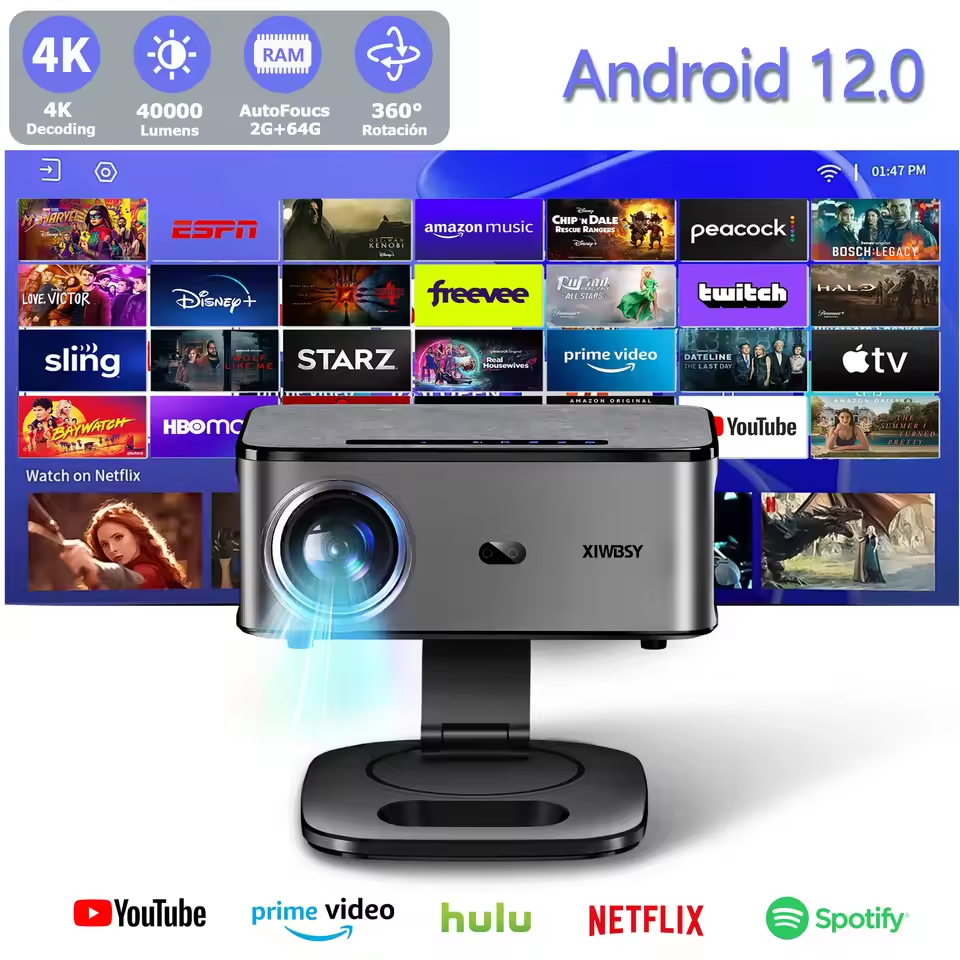
👉 XIWBSY 4K Android Smart Projector: A Honest Review and Buying Guide 👇
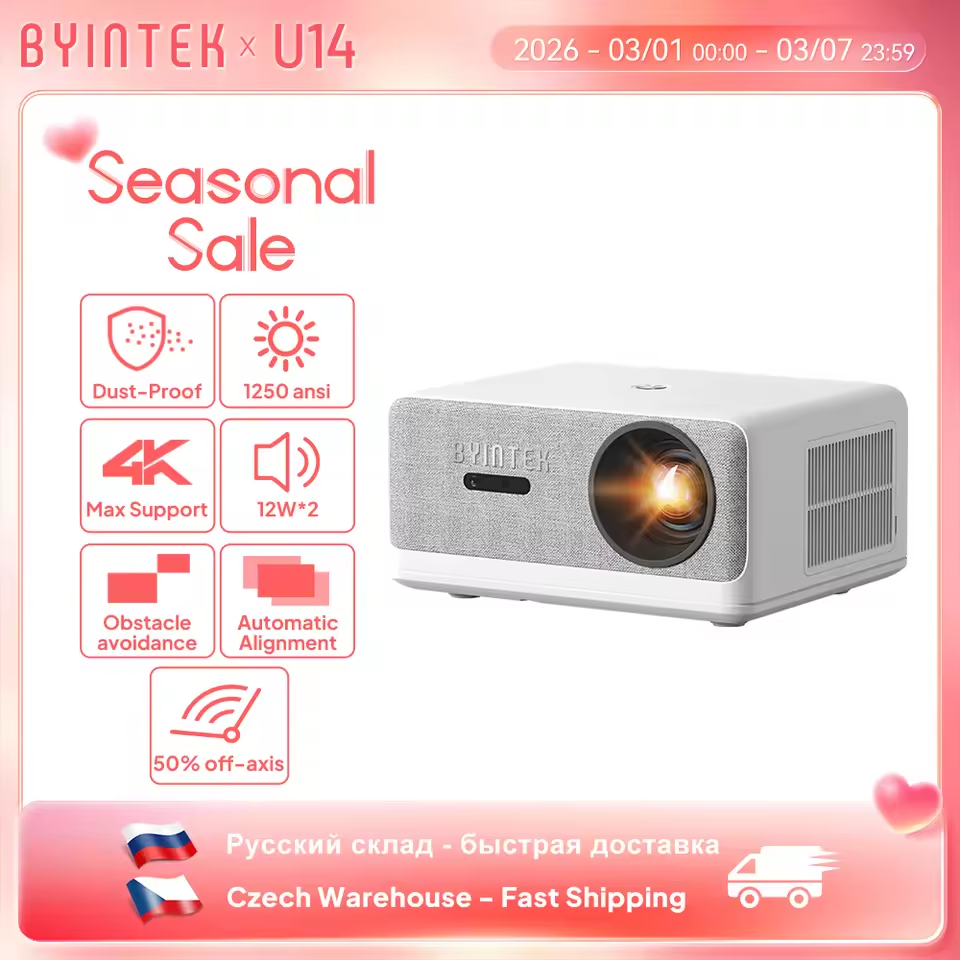
👉 BYINTEK LOVE U14 Projector Review: Honest Thoughts After Use (Worth It?)👇